
BlockP

How to Enable Auto Sync in BlockP App?

blockp has 20K+ reviews
How to Enable Auto Sync in BlockP App
Last Updated:

August 14, 2024

Table of Contents

This feature makes sure that all settings, customizations, and blacklists are updated across all your devices on which BlockP is present and logged into. When you make changes on one device, such as adding a new website or keyword to the blacklist or setting a password, those changes sync with all other devices connected to your account.

To enable Auto Sync on BlockP App, Follow the below steps

Step 1: Download the BlockP App from google play store

Step 2: Open the BlockP app and give all the permissions

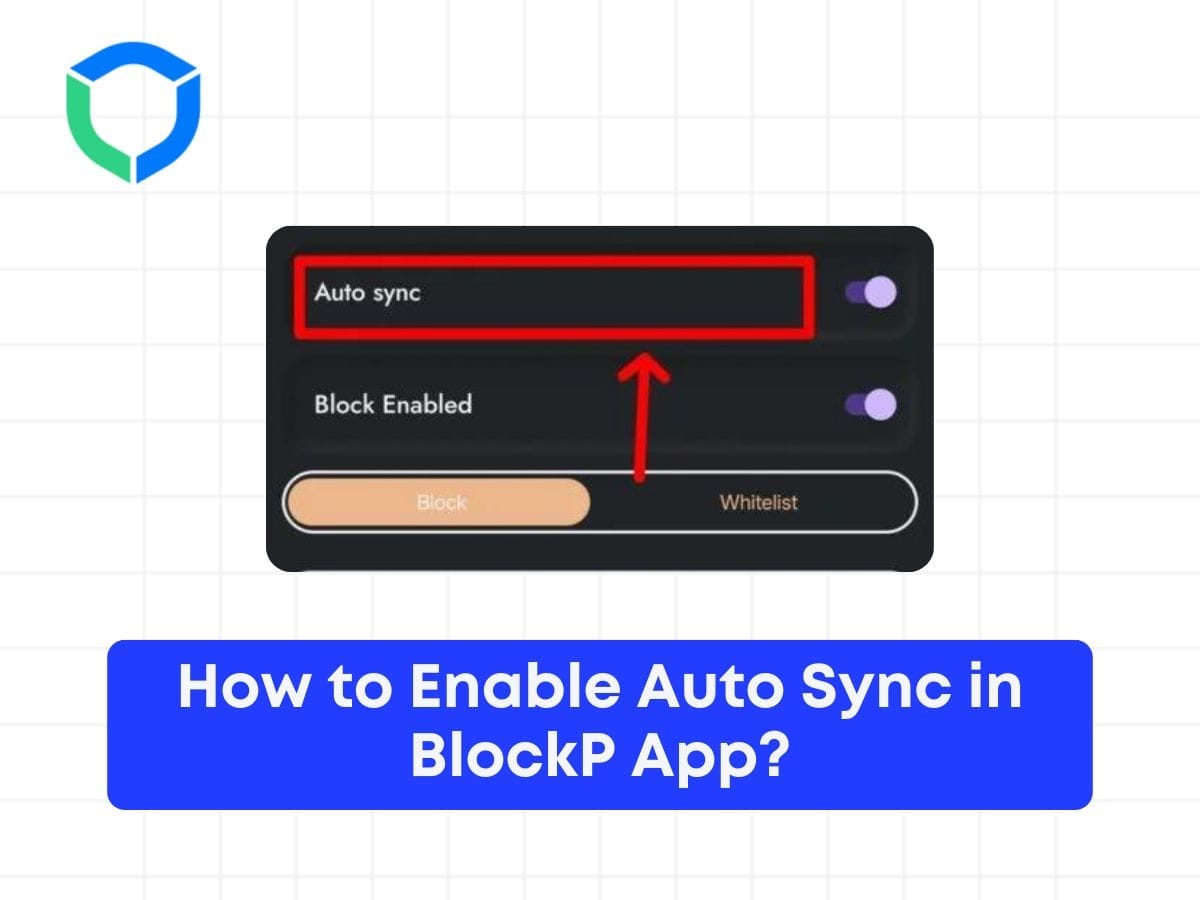
Step 3: Open the features tab as mentioned in below screenshot

auto sync 2

Step 4: Look for Auto Sync Feature at the Top and enable it

auto sync
auto sync

Step 5: Once you enabled it, All your Blocklist and whitelist will be synced with your account and you can access it across multiple BlockP platform
Written By:

Our content team is dedicated to producing high-quality, family-safe, and educational content that supports individuals, parents, and communities in overcoming porn addiction. With deep experience in mental health, digital wellness, and behavior change, our team creates practical and research-backed resources tailored especially for young people, teens, and adults seeking a healthier, more focused life.

Recent Blogs:

Is it Healthy to Ejaculate Every Day for Men

Is it healthy for a man to ejaculate every day?  This question …

Is Deepfake Porn Illegal? Let’s Find Out!

That’s not often the first question that victims of deepfake porn ask. …

PMO Addiction: Effects, Symptoms, and How to Stop It?

Why do so many people struggle and fail to quit PMO addiction? …

How to Quit Porn Addiction? Benefits of Quitting Porn

No one who quits porn says, “Oh, I regret learning how to …

Leave a Comment

Your email address will not be published. Required fields are marked *

Scroll to Top