
BlockP

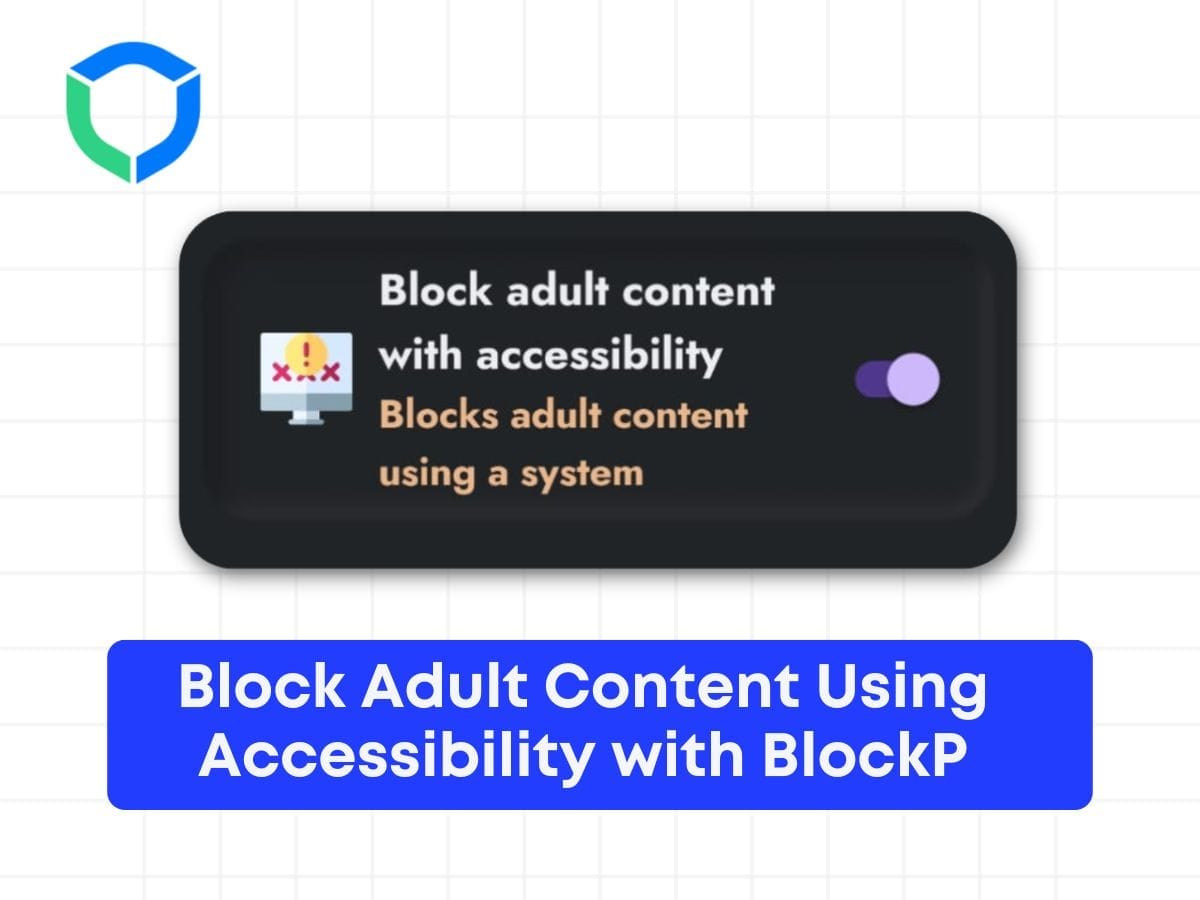
Block Adult Content Using Accessibility with BlockP

20K+ reviews on blockp
Block Adult Content Using Accessibility with BlockP

Table of Contents

Here’s the step-by-step guide on how to block adult content using accessibility with BlockP:

Step 1: Enable the ‘Block adult content with accessibility’ feature by tapping on it.

Block adult content with accessibility

Step 2: Once activated, a new interface will appear.

anable accessibility

Step 3: Navigate to ‘Enable ACCESSIBILITY’ and click on it to proceed.

new enable accessibility

Step 4: Inside the accessibility settings, select ‘Downloaded apps’.

download apps

Step 5: Locate and tap on ‘BlockP’ from the list of apps.

blockp

Step 6: Toggle the switch to enable ‘BlockP’.

on blockP

Step 7: Confirm by clicking ‘Allow’ when prompted.

allow blockP

Step 8: Upon successful setup, the ‘Block adult content with accessibility’ feature will be visibly enabled.

To test, open any browser and attempt to search for adult content.

Experience how BlockP effectively blocks such content as intended.
Written By:

Our content team is dedicated to producing high-quality, family-safe, and educational content that supports individuals, parents, and communities in overcoming porn addiction. With deep experience in mental health, digital wellness, and behavior change, our team creates practical and research-backed resources tailored especially for young people, teens, and adults seeking a healthier, more focused life.

Recent Blogs:

Why Does My Boyfriend Watch Porn

My boyfriend has a porn addiction—coming face-to-face with this truth is a …

How to Limit Porn in Your Life

How to limit porn—have you thought about when this question comes up? …

How Porn Leads to Anger

Normally, we do not pay attention to how porn leads to anger …

Is Deepfake Porn Illegal? Let’s Find Out!

That’s not often the first question that victims of deepfake porn ask. …

Leave a Comment

Your email address will not be published. Required fields are marked *

Scroll to Top