

BlockP

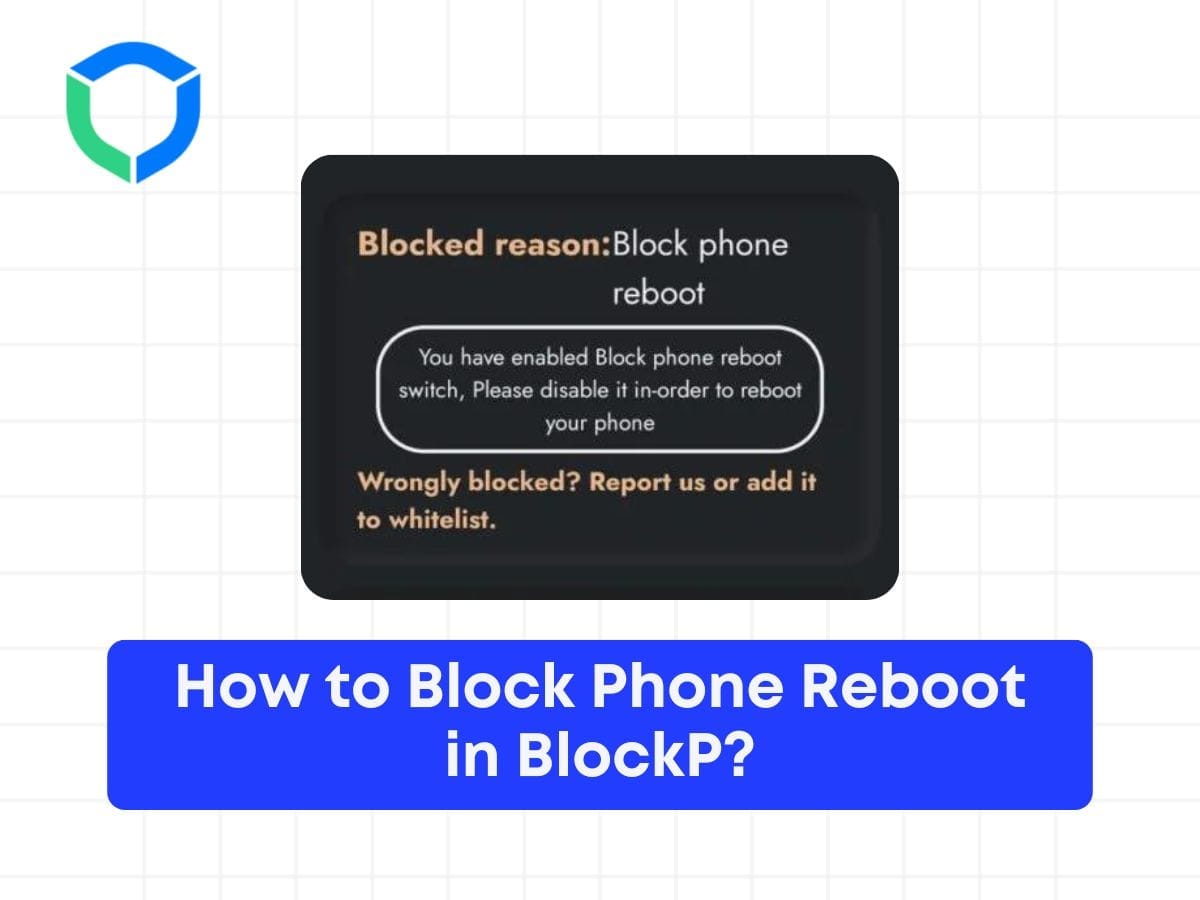
How to Block Phone Reboot in BlockP?

blockp has 20K+ reviews
How to Block Phone Reboot in BlockP

Table of Contents

Step 1: Enable the ‘Block Phone Reboot’ Option
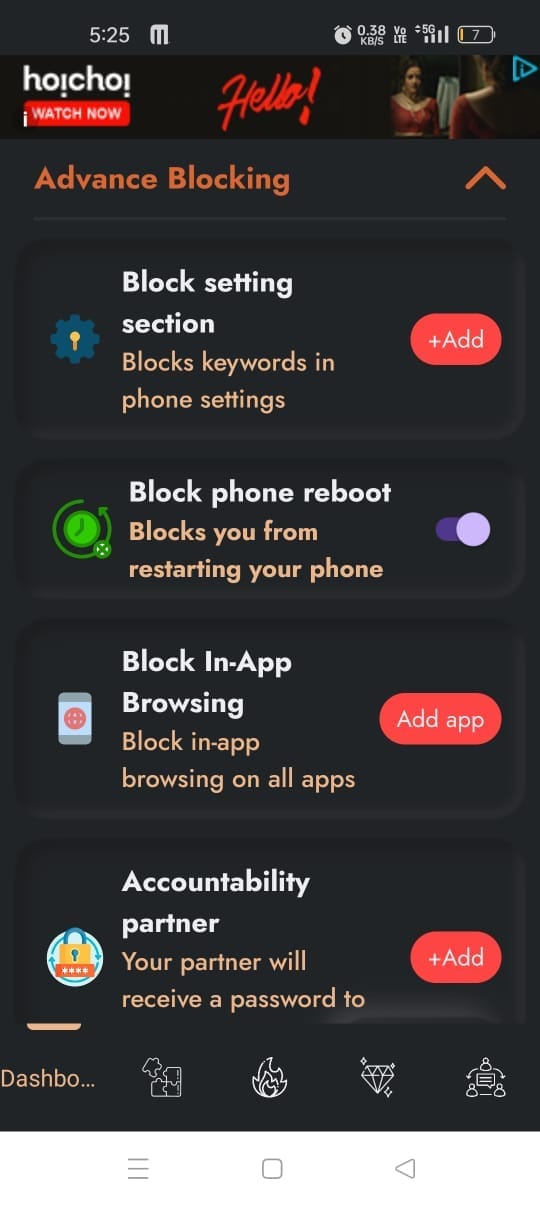
phone reboot
phone reboot

Step 2: Confirm Block Phone Reboot

  1. Ensure the ‘Block Phone Reboot’ option is toggled on.
  2. Verify that the settings have been saved correctly.

Step 3: Attempt to Reboot the Device

  1. Press the power button on your device.
  2. Select the reboot option.
  3. Observe the interface message:

Step 4: Understand the Reboot Block Message

If the reboot is blocked, a message will appear on the screen.

This happened because we have enabled the ‘Block Phone Reboot’ option.
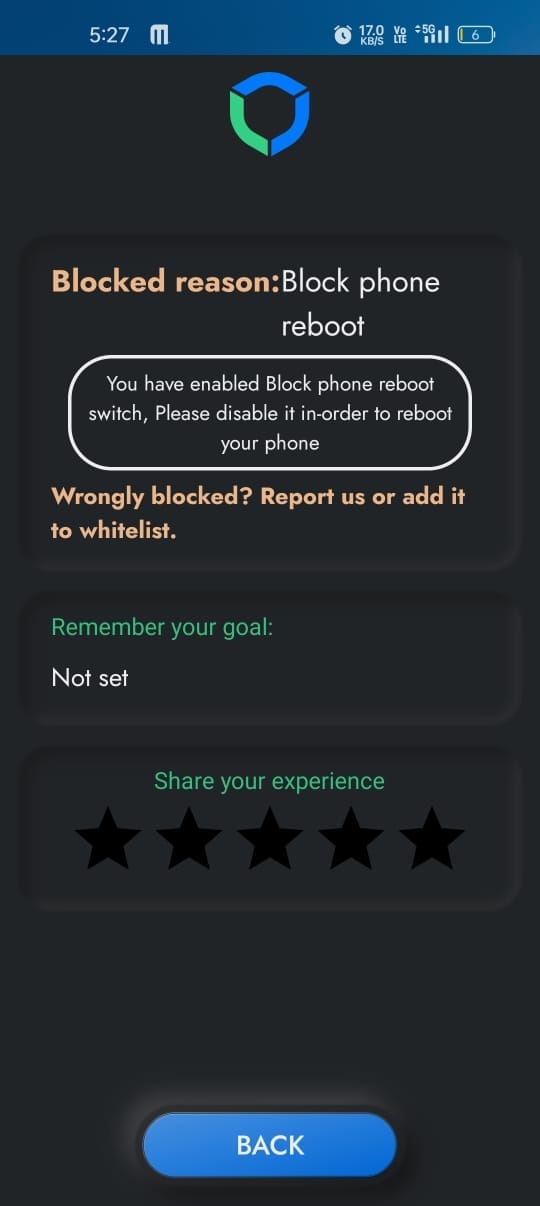
Blocked Phone reboot success

Step 5: Verify the Functionality

  1. Confirm that the device does not reboot.
  2. Check that the ‘Block Phone Reboot’ option effectively prevents unintended reboots.

By following these steps, you can successfully block the reboot of your device using the ‘Block Phone Reboot’ option.


Written By:

Our content team is dedicated to producing high-quality, family-safe, and educational content that supports individuals, parents, and communities in overcoming porn addiction. With deep experience in mental health, digital wellness, and behavior change, our team creates practical and research-backed resources tailored especially for young people, teens, and adults seeking a healthier, more focused life.

Recent Blogs:

Can Pornography Affect Sleep

Can pornography affect sleep? This is an inconvenient question for many of …

Does Watching Porn Affect Your Confidence? The Truth You Should Know

Does porn affect confidence​? At first sight, this question can feel like …

Why Does My Boyfriend Watch Porn

My boyfriend has a porn addiction—coming face-to-face with this truth is a …

How to Limit Porn in Your Life

How to limit porn—have you thought about when this question comes up? …

Leave a Comment

Your email address will not be published. Required fields are marked *

Scroll to Top