
BlockP

Step-by-Step Guide: Block Setting Section

20K+ reviews on blockp

Table of Contents

1. Navigate to the Block Setting Section:

  • Click on ‘Add’ for the ‘Block setting section.’
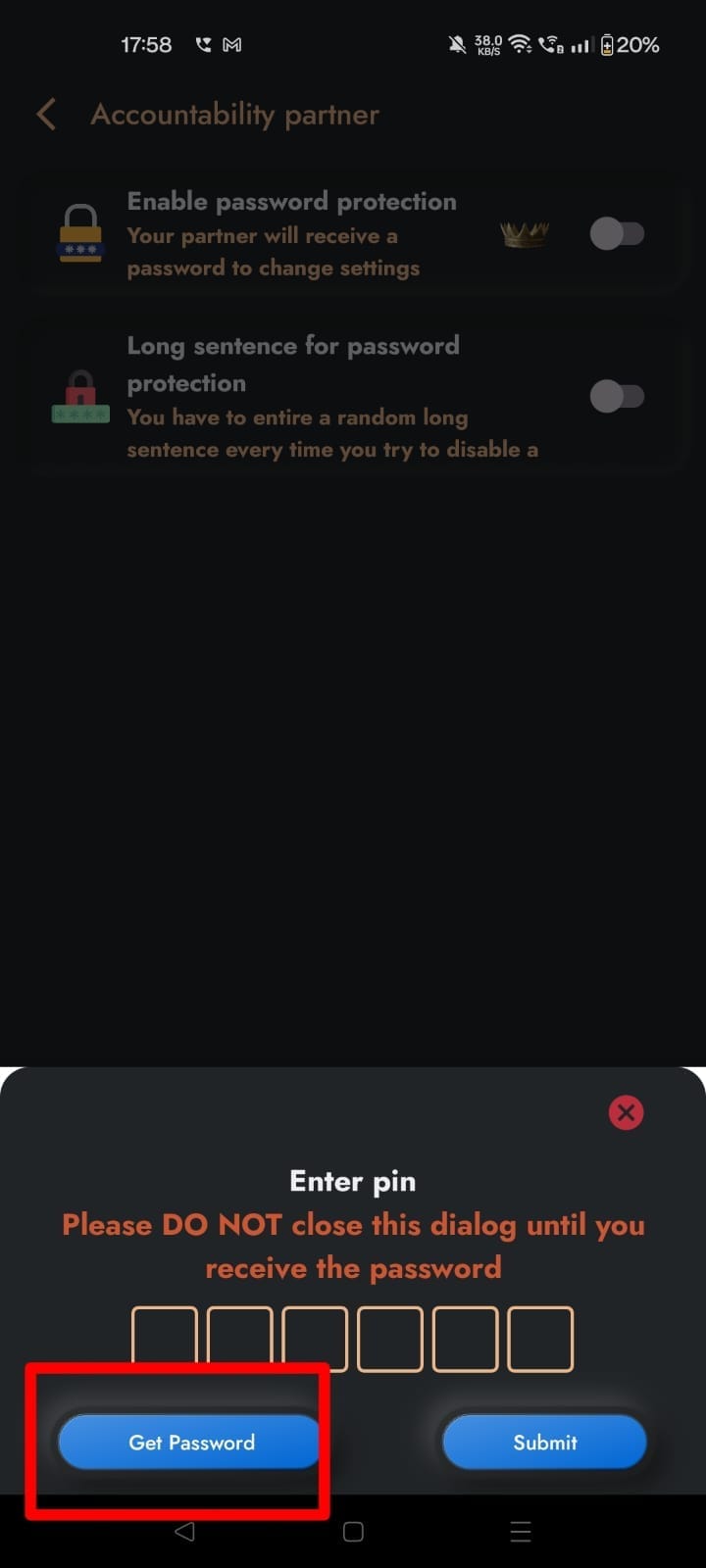
password
password

2. Access the Block Setting Interface:

  • The following interface appears:

second
second
  1. Add a New Block Setting:
  • Tap on the + icon at the bottom right.
  • The following screen will be displayed:
  1. Enter the Block Setting Details:
  • Add the desired setting, for example, ‘apps,’ and click on OK as shown below.
  • It will be added to the list:
  1. Verify the Block Setting:
  • Go to Settings and tap on Apps as shown below.
  1. Check the Enabled Block Setting Section:
  • The interface will look like the following since the ‘Block setting section’ is enabled.
Written By:

Our content team is dedicated to producing high-quality, family-safe, and educational content that supports individuals, parents, and communities in overcoming porn addiction. With deep experience in mental health, digital wellness, and behavior change, our team creates practical and research-backed resources tailored especially for young people, teens, and adults seeking a healthier, more focused life.

Recent Blogs:

Why Does My Boyfriend Watch Porn

My boyfriend has a porn addiction—coming face-to-face with this truth is a …

How to Limit Porn in Your Life

How to limit porn—have you thought about when this question comes up? …

How Porn Leads to Anger

Normally, we do not pay attention to how porn leads to anger …

Is Deepfake Porn Illegal? Let’s Find Out!

That’s not often the first question that victims of deepfake porn ask. …

Leave a Comment

Your email address will not be published. Required fields are marked *

Scroll to Top