

Why this feature is needed?
VPN apps override any other existing running VPN server that are running and disable the connection to run their VPN connection. To prevent that from happening, We built Block VPN apps.
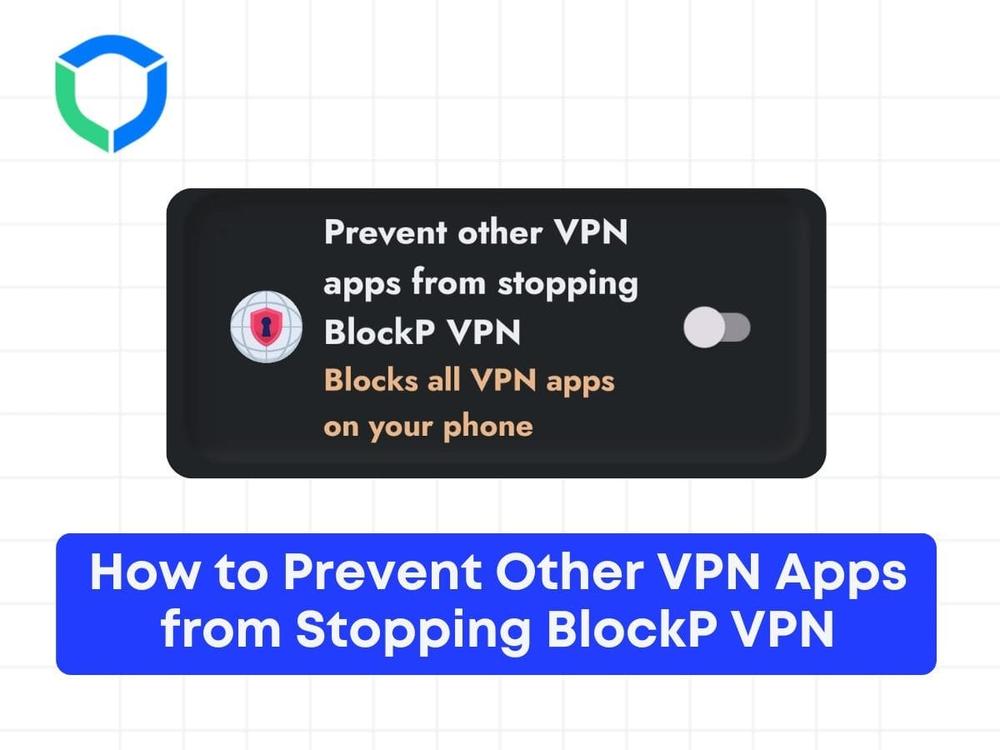
Block VPN apps, helps you block all the VPN apps on your phone which can override and disable your BlockP VPN from running in the foreground.
Step 1: Open the BlockP VPN application on your device.
Step 2: Navigate to the settings menu within the BlockP VPN app.

Step 3: Locate the option labeled ‘Prevent other VPN apps from stopping BlockP VPN.’

Step 4: Enable this option by toggling the switch to the ‘on’ position.
Step 5: Once enabled, all other VPN applications on your device will be blocked, ensuring that only BlockP VPN remains active.
Step 6: To verify, open any other VPN application on your device. You should see an interface indicating that it has been blocked because ‘Prevent other VPN apps from stopping BlockP VPN’ is enabled.
http://blockp.io/wp-content/uploads/2024/08/vpn-blocking-.mp4
By following these steps, you can ensure that BlockP VPN remains the sole active VPN application on your device.
Struggling with Adult Content Addiction?
Download BlockP on your device, and block adult content instantly.

Written By:

BlockP Editorial Team is a group of researchers, behavioral health experts, and digital wellness specialists dedicated to helping people overcome adult content addiction and build healthier online habits. Our content is grounded in scientific research, expert insights, and real-world recovery experiences. Every article is carefully reviewed to ensure accuracy, practicality, and trustworthiness, empowering readers with evidence-based strategies for lasting change.