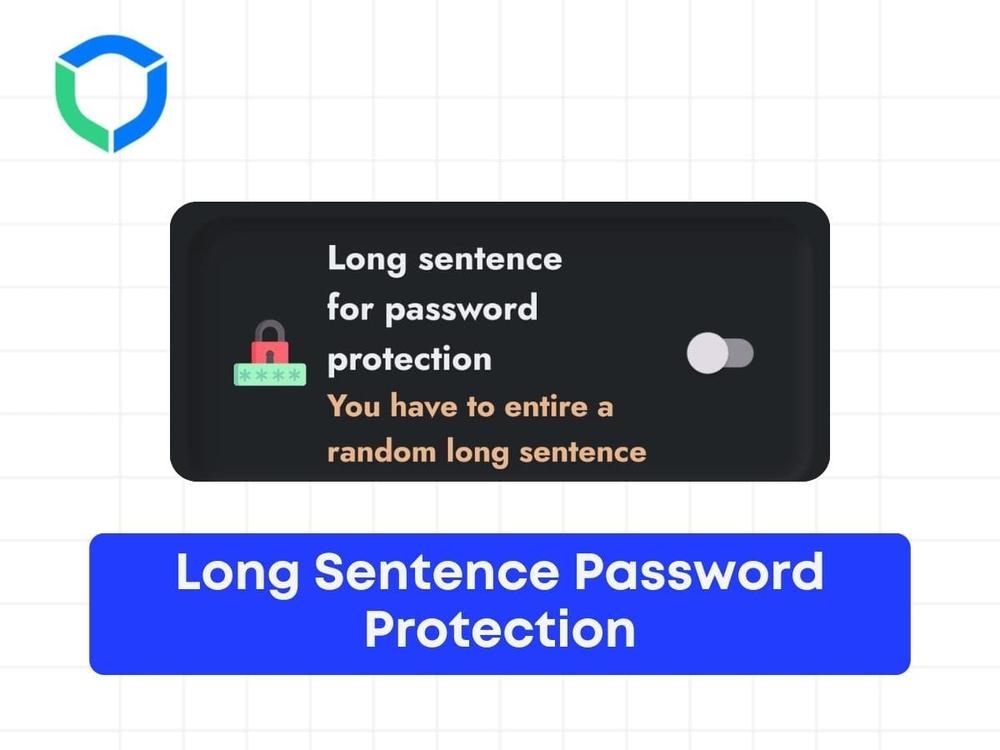


Long sentence password is a feature that will prevent you from disabling any feature on your app. Once you enable the feature, any changes required in the app will be asked to enter a long sentence before disabling it.
Step 1: Go to Advance blocking section

Step 2: Go to the Accountability Partner

Step 3: Enable the Feature:
- Enable the ‘Long sentence for password protection’.

Step 2: Attempt to Disable the Feature:
- If you try to disable this feature, a sentence will be presented to you.
Step 3: Type the Sentence:
- You will have to type the sentence within a given time limit.

Step 4: Disable the Feature:
- After typing the sentence within the time limit, the feature will get disabled.
Struggling with Adult Content Addiction?
Download BlockP on your device, and block adult content instantly.

Written By:

BlockP Editorial Team is a group of researchers, behavioral health experts, and digital wellness specialists dedicated to helping people overcome adult content addiction and build healthier online habits. Our content is grounded in scientific research, expert insights, and real-world recovery experiences. Every article is carefully reviewed to ensure accuracy, practicality, and trustworthiness, empowering readers with evidence-based strategies for lasting change.